Google Analytics counts visitors. JABL Lens shows where your revenue leaks: at the size picker, on the product photo, in the cart or at checkout. Built for web shops, tied to real orders and free of cookies.
What it is
An analytics platform designed around products, sizes, photos and carts instead of pageviews. Every metric ends at the question a store owner really has: why didn’t this visitor buy?
Who it’s for
For store owners and e-commerce managers who see in Google Analytics that people drop off, but not where, why and what it costs.
What Google misses
Five looks inside JABL LensWhere do they drop off?
A funnel per product and per collection: from collection to product, size, cart, checkout and payment. Every step shows the drop-off, split by device, source, size and new or returning customer.
Avg. hesitation 4.8 s · size chart opened 31%
The size picker under the lens
How long people hesitate, which sizes get clicked, how often the size chart opens and which sold-out sizes people still look for. That ghost demand tells you exactly what to reorder.
Heatmaps per template
Click, scroll and movement maps merged per page type instead of per URL. Rage clicks and dead clicks are flagged automatically, so you see which element frustrates.
How your photos really load
For every product photo: real load time on real devices, which photo is the largest element on the page, which photos are never viewed and how often people zoom or swipe.
- Checkout conversion on iOS Safari −38% since 14:00Since the payment app update
- Size 43 Runner Low: 61 clicks while sold outSuggestion: reorder through Retail Pulse
- Product photos load 2.1 s slowerAfter Tuesday’s theme update
- Show shipping costs on the product page
- Reorder sizes 43 and 44
- Compress the main photos of the new collection
Signals in plain language
No dashboards to dig through. Lens flags anomalies as they happen and sends a Monday summary with the three improvements that pay off most.
What’s inside
JABL Lens- 01
Real revenue, no sampling
Lens ties behaviour to real Shopify orders, including discounts and returns. No sampling and no modelled estimates: every euro traces back to a session, a product and a size.
- 02
Cart and checkout
See the moment people drop off: when shipping costs appear, when they go hunting for a discount code or because their payment method is missing.
- 03
Site search
Searches without results, search terms that lead to sales and products that get found but never bought.
- 04
Speed next to revenue
Core Web Vitals from real visitors next to conversion per page type. See what one second of extra load time costs you per week.
- 05
Before and after every release
Every theme update, new app or price change becomes a marker on the timeline, with an automatic before-and-after comparison.
- 06
Privacy by design
Cookieless measurement, IP addresses are never stored and input fields are always masked. Hosted in the EU, with a data processing agreement.
- 07
Connected to JABL Works
A signal in Lens becomes an action: an alert through Restock Alerts, a correct from-price through In-Stock Price or an action in Retail Pulse.
The stack
Languages, frameworks and tools we use- Languages
- TypeScriptSQL
- Collection
- Shopify Web Pixels APICustomer eventsEdge collector
- Storage
- ClickHousePostgreSQL
- Dashboard
- Next.jsReact
- Integrations
- Admin GraphQL APIWebhooks
- AI
- Claude APIWeekly summaries
- Privacy
- CookielessMaskingEU hosting
- Quality
- VitestPlaywright
How you go live
ProcessInstall
Install the Shopify app. Lens adds a web pixel, with no code in your theme.
First data
The first funnels, heatmaps and image metrics within a day.
Baseline
After two weeks, a baseline per template, product and size.
Improve
Every week the three biggest leaks, what they cost and how to close them.
In practice
Built by JABL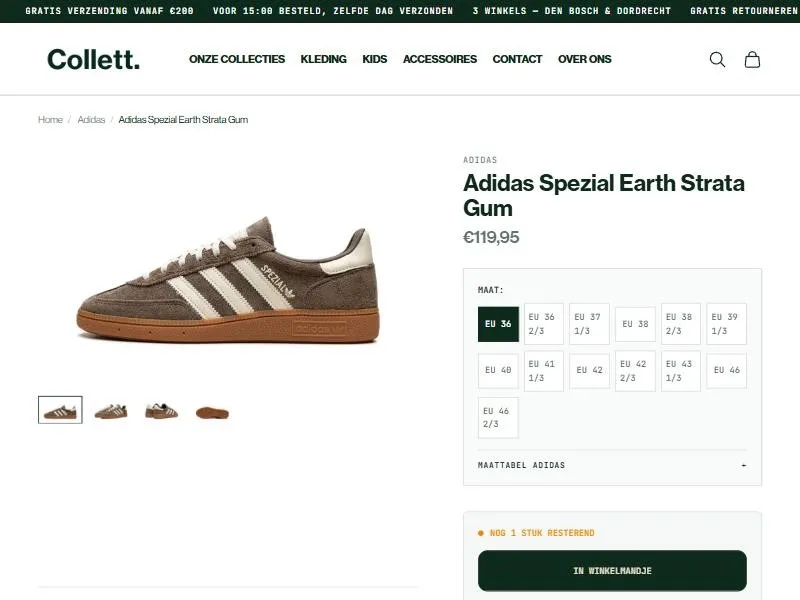
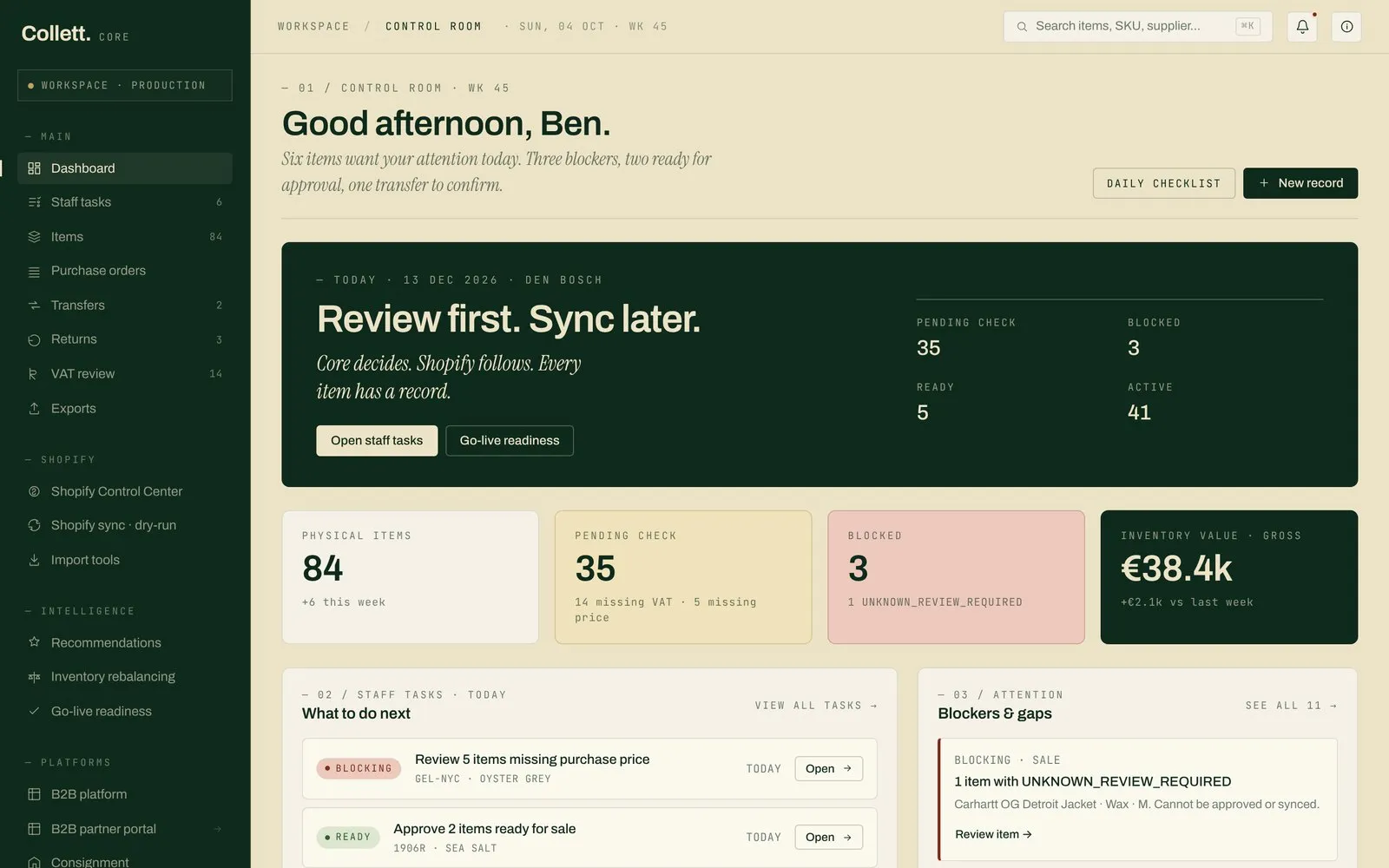
Frequently asked
Why not just Google Analytics?
GA4 is built for every website. Lens only for web shops: it knows products, sizes, photos and carts and ties behaviour to real orders instead of estimated conversions.
Will it slow down my store?
No. The pixel runs through Shopify’s Web Pixels API in an isolated sandbox, outside your theme.
What about privacy?
Lens measures without cookies, stores no IP addresses and masks all input. Data stays in the EU and you get a data processing agreement.
When can I use it?
Lens is in development. Stores that want an early look can sign up through info@jablworks.com.